
SciFinder Scholar Installation Instructions
- Click “Start”
- Click “Run”
- Type “\\nova\scifinder$\” in the run box
- Click “OK”
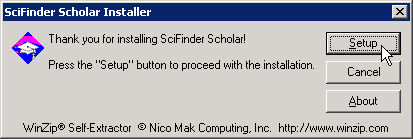
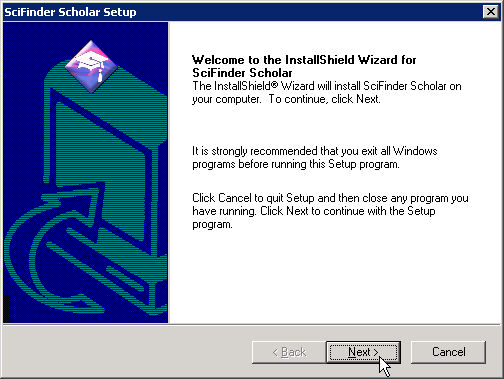
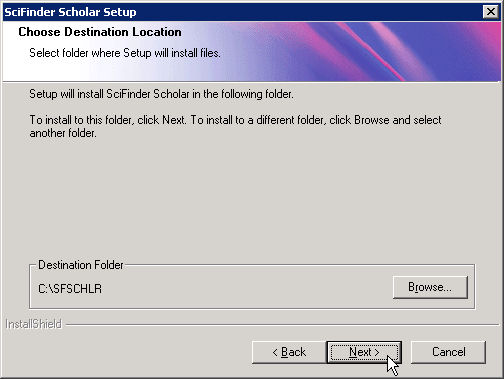
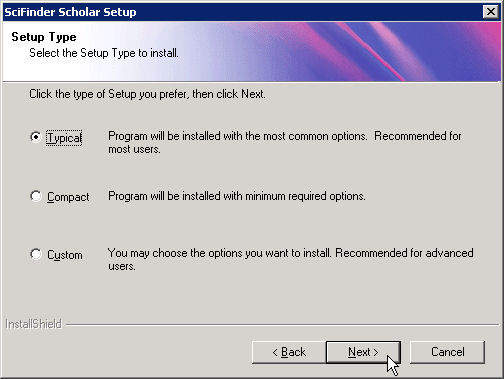
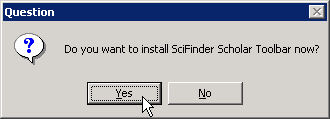
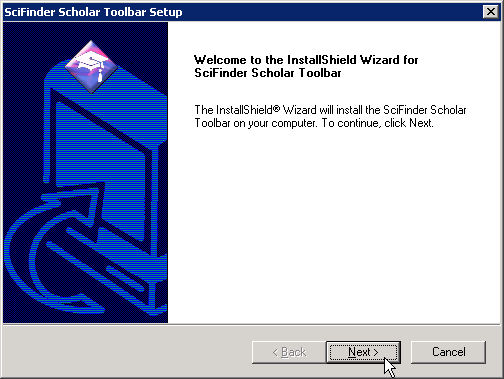
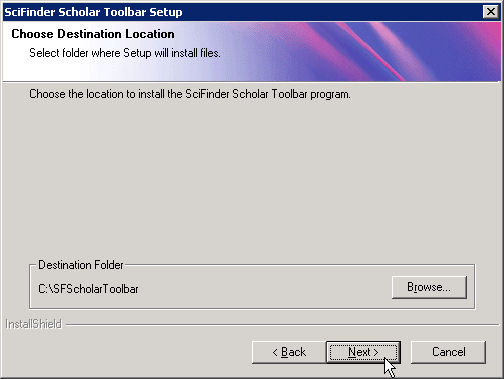
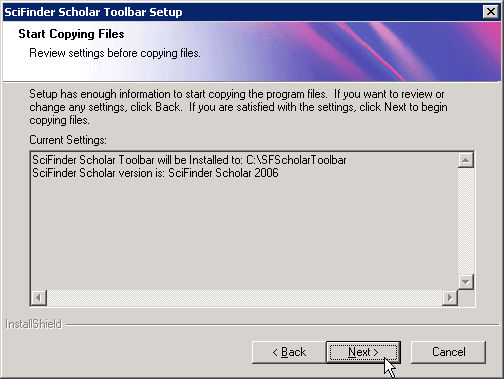
- Double click the “sfs2006.exe” file to start the install and follow the diagrams below:
.



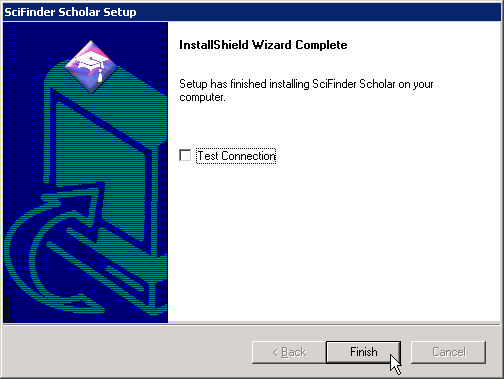
- Once the installation is completed double click “SitePRFCopy.bat”
If you have any questions you may contact the Helpdesk @ x4357